
Access 3D Model Resources
Source: X2D 3D Printing User Manual · v1.0 · 2026.05 · p. 31–33
3.1 MakerWorld Model Community
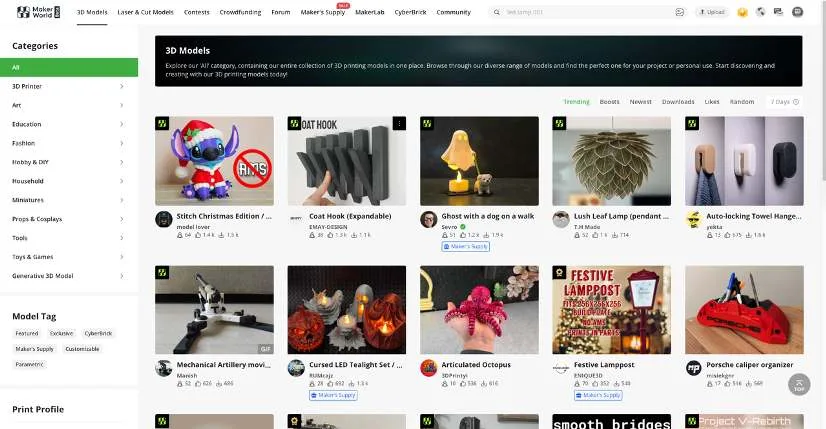
MakerWorld is Bambu Lab’s official 3D model-sharing platform, featuring a large collection of models uploaded by talented creators across a wide range of categories, from artistic designs to practical tools. Whether you are an artist seeking inspiration or an engineer solving real-world problems, you can find models that meet your needs here. It is also a place to exchange experience, share ideas, and learn from one another.
Through MakerWorld, you can:
- Browse curated models and popular community recommendations.
- Download model files in STL, CAD, or 3MF formats.
- Send models directly to Bambu Studio for slicing and printing.
- Upload and share your creative designs, and engage with the community.
MakerWorld is available on the web and directly integrated into Bambu Handy and Bambu Studio for seamless model browsing and printing.
3.2 MakerLab Creative Tools
MakerLab offers a range of online creative tools to help turn your ideas into printable models. No modeling experience is needed to create personalized designs quickly.
Creative tools include generators for lightboxes, flexi toys, relief sculptures, and vases, as well as AI-powered and parametric modeling tools, all accessible via the web.
MakerLab is also integrated into both Bambu Studio and Bambu Handy, enabling seamless model generation and printing.
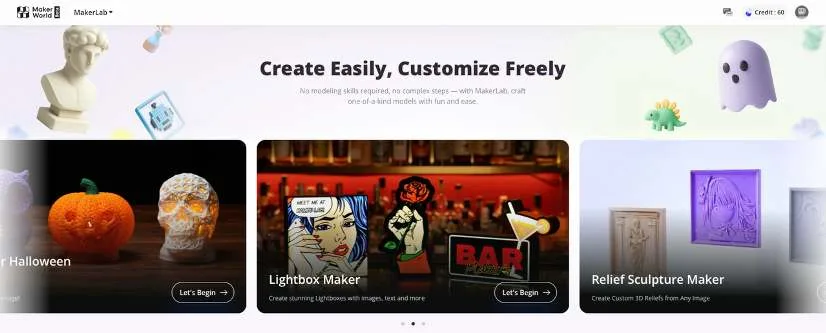
Each creative tool includes detailed instructions. The following uses the Statue Generator as an example to show the workflow on the web:
- At the top of the MakerWorld homepage, click MakerLab › Make My Statue › New Project.
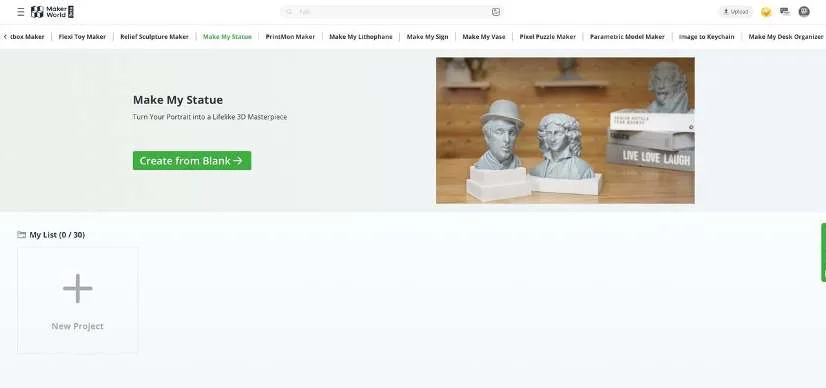
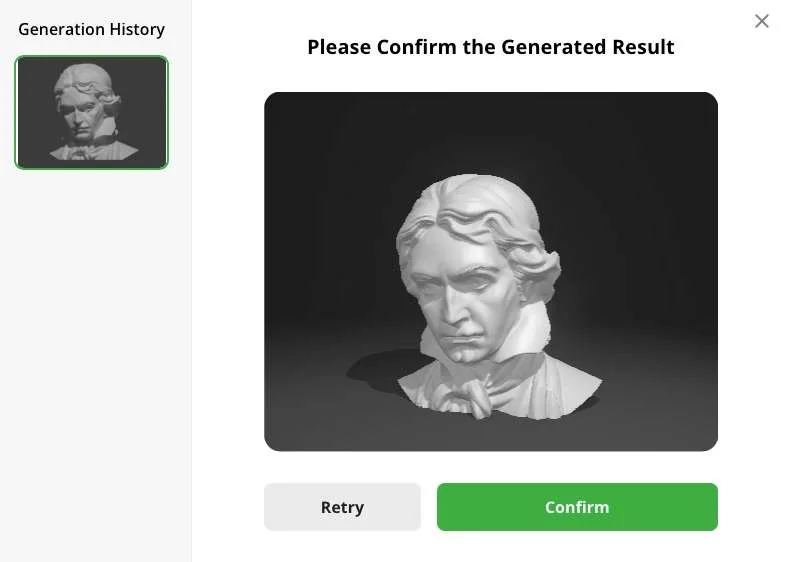
- Upload an image as prompted, click Confirm, and wait for the model to be generated.
- If satisfied with the generated model, click Confirm to download it. If not, click Retry to generate again.
- Open Bambu Studio, click File › Import, and select the model file. After importing the model, you can slice it and start printing.